ELEGOO M1 Ultra 3D Scanner Combines Blue Laser and Infrared Capture
- Published
- Author
- 3DWithUs
- Reads
- 630
ELEGOO’s M1 Ultra pairs five scanning modes with wireless operation and a 3-inch touchscreen; blue laser accuracy is rated up to 0.02 mm.
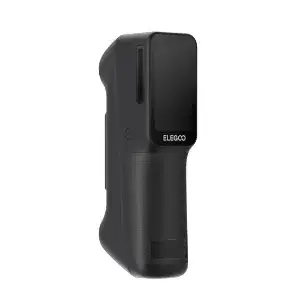
ELEGOO’s first 3D scanner brings five capture modes, wireless operation and a built-in display into a 511 g handheld unit. The M1 Ultra is aimed at users who need to digitize parts and objects for tasks such as reverse engineering, customization and archiving. Its blue laser modes are rated by ELEGOO at up to 0.02 mm accuracy, while infrared structured light is specified at up to 0.05 mm.
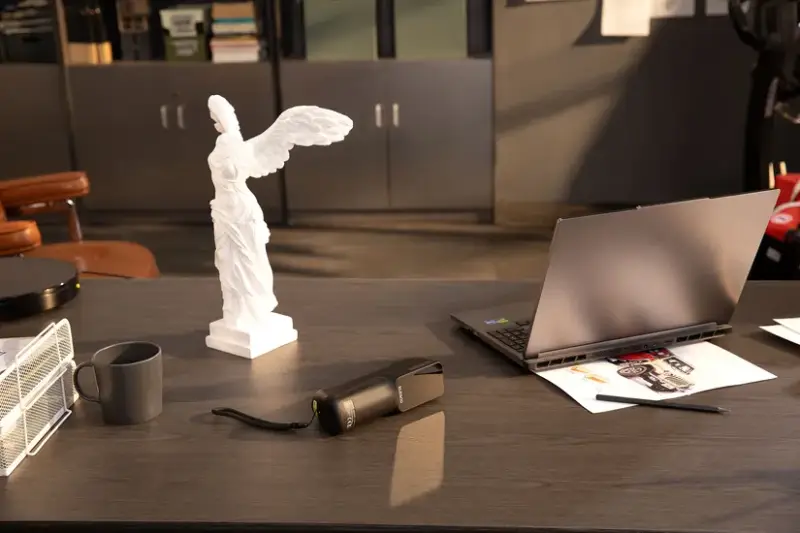
The scanner was announced for launch on October 29, 2026. ELEGOO lists a regular price of $1,699 / £1,399 / €1,699, with introductory pricing from October 29 to November 12, 2026, at $1,599 / £1,319 / €1,599. Regional pricing and availability are listed on ELEGOO’s product site.
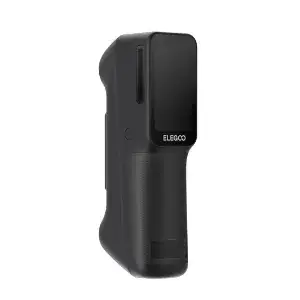
Five modes for different geometry
The M1 Ultra combines three blue laser patterns with infrared structured light and a marker-free blue laser option. Each mode is intended for a different capture problem, so the practical benefit depends on matching the technique to the object.
- 34-line blue laser: Intended to cover medium to large objects quickly.
- 7-line blue laser: Designed to capture fine detail on small to medium parts.
- Single-line blue laser: Suited to deep holes, narrow gaps and hard-to-reach geometry.
- Infrared structured light: Intended for faces, bodies and general object scanning.
- Marker-free blue laser: For objects where applying tracking markers is impractical.
That range gives the scanner potential across mechanical and sculptural work without requiring a separate device for each capture method. ELEGOO also says the M1 Ultra can scan black and metallic surfaces without coating powder. Those surface types can be difficult to capture, so this claim will matter to engineers if it holds up across real parts and different finishes.
Accuracy, speed and scan volume
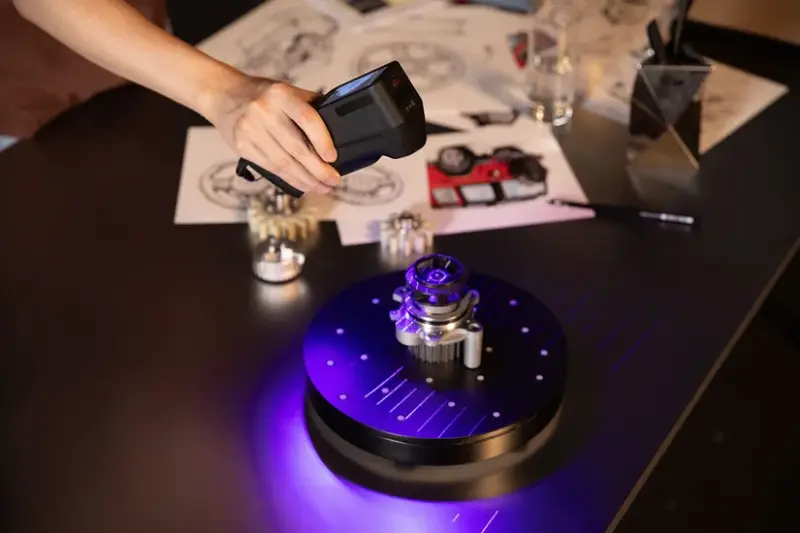
ELEGOO specifies blue laser accuracy of up to 0.02 mm, with volumetric accuracy of 0.02 mm + 0.06 mm/m. Infrared structured light has a separate stated accuracy of up to 0.05 mm. These are manufacturer specifications; the useful result on a finished model will also depend on tracking, alignment and processing.
The optical system uses all-glass optics, camera calibration and temperature compensation. Global-shutter cameras are intended to limit motion distortion. For color capture, ELEGOO lists 24-bit full-color texture mapping and image processing. The media guide gives maximum capture rates of up to 2,040,000 points per second for the 34-line laser mode and up to 6,451,200 points per second in near-infrared mode.
Supported object dimensions are listed from 5 × 5 × 5 mm to 4,000 × 4,000 × 4,000 mm, although the usable range depends on the selected mode and scanning conditions. Point rate and nominal accuracy won’t by themselves show whether small features survive mesh generation or how much cleanup a model needs before printing or measurement.
Handheld operation still depends on a computer
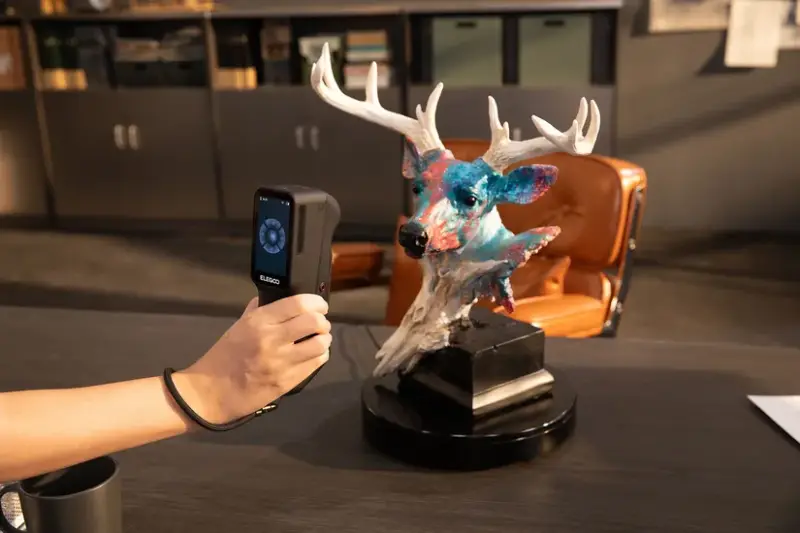
The scanner has a 3-inch HD touchscreen for live preview and settings, and measures 191 × 50 × 76 mm. Its stated weight is 511 g with batteries installed. Wi-Fi 6 and a swappable 4,800 mAh battery support up to 1.5 hours of wireless scanning per charge, according to ELEGOO. A cordless setup could make it easier to move around large or awkward objects, including vehicle interiors.
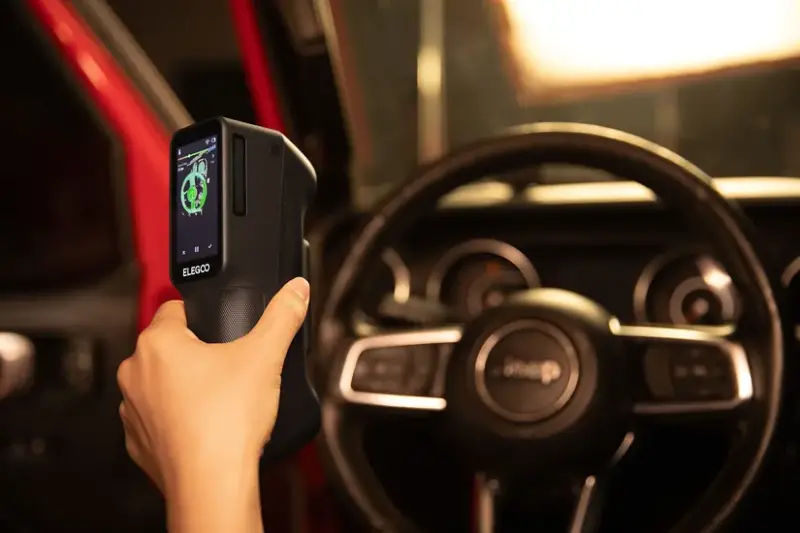
The wireless link doesn’t make the workflow computer-free: ELEGOO SCAN on a compatible Windows or macOS computer is required to process captured data. The touchscreen and wireless connection handle scanning in the field, while the computer remains part of turning the captured data into a model.
Software, exports and computer requirements
ELEGOO SCAN provides guided setup, tracking assistance, multi-scan alignment and automated mesh generation, optimization and color mapping. The stated workflow includes connecting and calibrating the scanner, creating a project, selecting a mode and adding tracking markers where needed. Captures can then be aligned and processed before export.
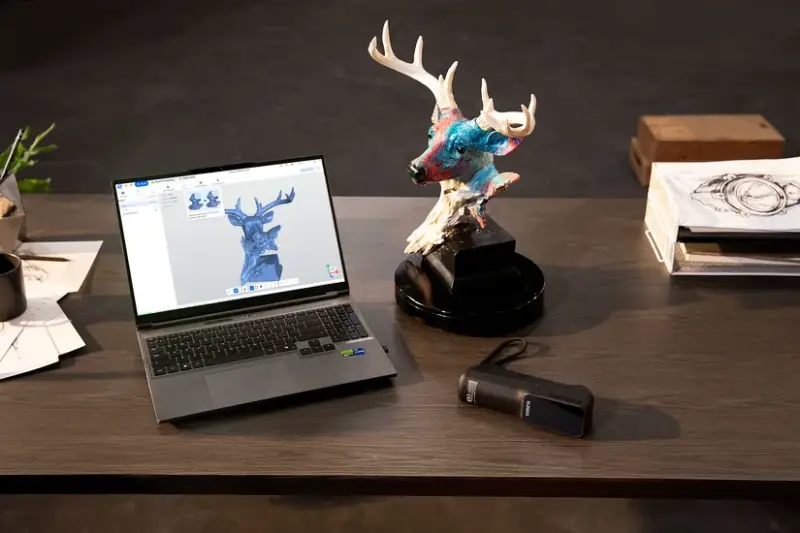
Supported export formats are STL, OBJ, PLY and ASC. STL is suited to print workflows, while OBJ and PLY can carry texture or color information depending on export settings and downstream software.
For Windows, ELEGOO recommends Windows 10/11, an Intel Core i7 13th Gen or newer, an NVIDIA RTX 4060 or newer with 8 GB VRAM, and at least 32 GB RAM. Its macOS recommendation is macOS 14 or later, Apple M4 or newer, and at least 32 GB RAM. Lower minimum configurations are also listed in the media guide, but the recommended hardware is the more relevant reference for larger scans and processing workloads.
The M1 Ultra’s combination of laser and infrared capture, onboard preview and swappable battery makes it a substantial first entry for ELEGOO in handheld scanning. The practical test will be whether its tracking and processing produce clean, dimensionally useful meshes on the surfaces and small features that matter in real projects.