PHP2Shell Leaves NAS, Cameras and Routers Waiting on Firmware Updates
- Published
- Author
- Dennis Knake
- Reads
- 501
PHP2Shell affects device interfaces as well as websites. Updates depend on manufacturers, so owners should block internet access and use VPNs.
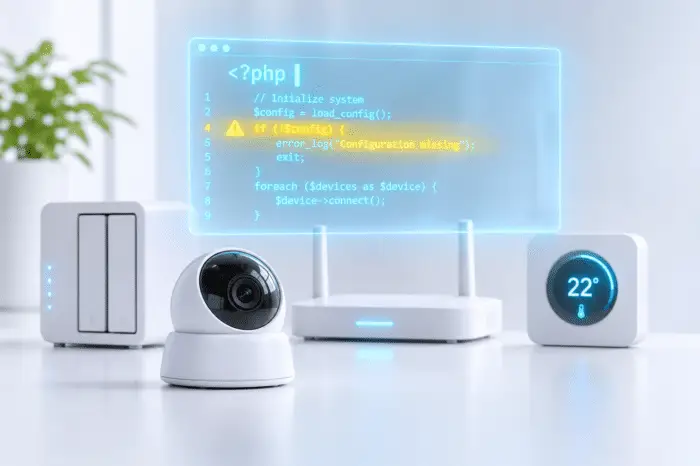
PHP2Shell exposes a gap in how embedded devices receive security fixes: the PHP code behind a device’s web interface is part of its firmware, so users usually can’t patch it themselves. The PHP project fixed both vulnerabilities on October 21, 2026, but device owners must wait for each manufacturer to incorporate the fix and ship an update. Until then, keeping the management interface off the public internet is the key precaution.

The flaws affect more than conventional websites. PHP also runs the interfaces used to configure network-attached storage (NAS), cameras, video recorders, routers, firewalls and building controls. Palo Alto Networks has confirmed attacks against its firewall management interface when that interface is reachable from the internet.
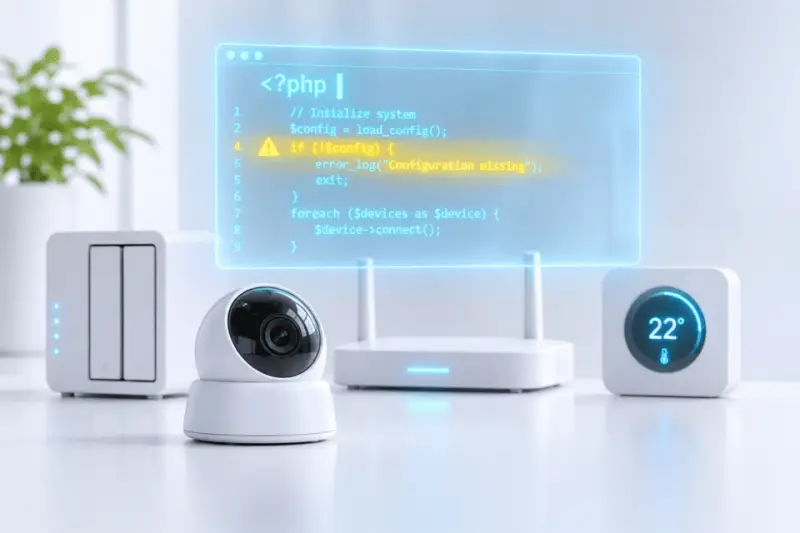
PHP is embedded in many device interfaces
On a website, an administrator can install an updated PHP version directly. On a camera or NAS, PHP is bundled into the device’s firmware or software packages. The manufacturer has to prepare and distribute the fix, and the owner then has to install it. That handoff can leave devices exposed after the underlying software fix is available.
Confirmed affected product groups include NAS systems from Synology and QNAP, QNAP’s QVR Surveillance recording software, NetModule routers from Belden, Palo Alto Networks firewalls, and HVAC and room controllers from Delta Controls. The exposure can extend to printers, VPN gateways and industrial operator panels, according to CSO Online.

An analysis by South Korean network security vendor Genians found that cameras, video storage and security equipment accounted for one in five vulnerable devices in corporate networks. Almost half of the affected devices it observed ran PHP 5 or older, versions that have received no official updates since 2018. That matters for operators with long-lived equipment: a fix to the current PHP code does not automatically reach older products that depend on an unsupported version.
Updates are arriving at different speeds
The Dutch National Cyber Security Centre’s public product list recorded 757 products using PHP as of October 28: 144 were fixed, 218 were listed as vulnerable, and 354 were still under investigation. These figures describe the products tracked in that list at that date; they don’t establish the status of every device in use.
QNAP began offering fixed NAS operating systems on October 24, while Synology made fixed PHP packages available. Palo Alto Networks has also shipped hotfixes for its firewall software. Other products were still waiting: CSO Online reported on October 29 that Delta Controls controllers had not yet received new firmware and Belden was still developing patches for some NetModule routers.

Support can be a bigger problem for older products. Synology’s old PHP 7.3 package will not receive another update, and the PHP project does not provide a fix for PHP 5. Whether a device using either version gets a remedy therefore depends on its manufacturer. A product absent from a tracking list should not be assumed safe; its status may simply be unknown.
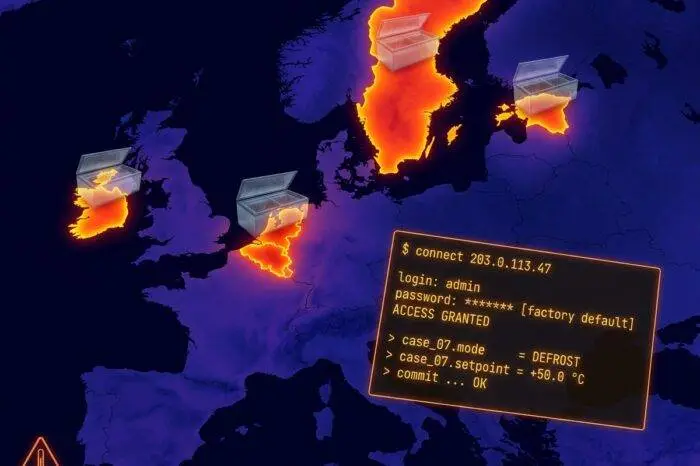
Check the product, then restrict access
There’s no reliable way to tell from the outside whether a device’s interface uses PHP. Start with the manufacturer’s security notices, often filed under “Security Advisories,” then check the NCSC-NL product list. If neither provides an answer, ask the manufacturer’s support team in writing. Owners should check each device and software package separately, since a vendor may list affected versions rather than an entire product family.
While waiting for a fix, make sure the device’s web interface cannot be reached directly from the internet. QNAP identifies this as its first line of protection. Install available firmware, package and application updates, then review the router settings that expose devices to incoming connections.
Remove port-forwarding rules that point to a NAS, camera or recorder, and check that none of these devices is configured as the router’s DMZ host. The setting may be labelled “Port Forwarding,” “Virtual Server” or “NAT Forwarding.” Disabling direct access will also stop remote connections that rely on those rules; remote use should go through a VPN instead.
Automatic port opening needs attention too. Universal Plug and Play (UPnP) can let devices create router rules without manual setup. Disable the relevant feature on the device first; QNAP, for example, calls it “Auto Router Configuration” in myQNAPcloud. Check cloud-based remote access as well: QNAP advises disabling myQNAPcloud Link. Turning off UPnP across the router can disrupt connections used by other equipment, including game consoles, video calls and remote support tools.
Choose interim controls that fit the device
A VPN provides an encrypted connection into the local network and can preserve remote access without exposing the device interface directly. Many routers include a VPN server, and QNAP points users to its QVPN Service. A home VPN server may not be reachable from outside if the internet provider does not supply a public IPv4 address, so confirm that detail with the provider.
Some manufacturers advise disabling the built-in HTTP server until firmware is ready. Belden and Delta Controls recommend this for their affected equipment. Before doing so, confirm that the device can still be managed another way, such as through SSH. On a NAS, switching off a web server may not remove exposure: QNAP warns that doing so does not protect its management interface.
Network isolation can limit how far an incident spreads, but it changes how devices communicate. A guest network may suit a cloud camera that only needs internet access, yet it can prevent a NAS from connecting to a computer on the main network. Guest networks also vary in what they isolate, and some apply only to Wi-Fi. For devices that will no longer receive security updates, replacement is the long-term option.
Keeping a device inside the home network reduces direct exposure, though another compromised device on that network could still create risk. PHP2Shell makes the maintenance chain visible: the software fix, the manufacturer’s firmware release and the owner’s installation are all needed. Until those steps are complete, restricting internet access is the practical way to reduce exposure.